Overdub Studio: Lyric Swapping, Rebuilt
Overdub Studio replaces the old Overdub and Horizon tools with one guided workflow: tagged lyrics, multiple generation strategies, take comping, and stem downloads.
Posted by
 William H. Mason
Related reading
How to Replicate Horizon in Overdub Studio
Horizon is not going anywhere. Here is where to find it now, and how Manual Extension in Overdub Studio replicates its exact start and end time workflow.
We No Longer Change Lyrics on AI-Generated Songs
ChangeLyric no longer changes lyrics on fully AI-generated songs. The two honest reasons, what counts as AI-generated, and what to do with your track instead.
The AI Voice Changer Just Got a Big Silence Fix
A walkthrough of the updated ChangeLyric voice changer: no more manual clipping, better silence handling, how to run a conversion, picking voices with tags, and training your own custom models.

I just released Overdub Studio, and it's a huge step in the right direction from the other tools we've made. It replaces both the old version of Overdub and Horizon. Every little nuance of what you might need to do to lyric swap a song now lives in one place.
I've been using it on the five most recent service orders I completed, and it's made getting songs done way easier. The process is more straightforward, especially for somebody who doesn't have a lot of experience lyric swapping. It's more guided, but you still get full control when you want it.
Overdub Studio full walkthrough (14 min)
I drag a song in, tag the lyrics, try multiple generation strategies, comp the keepers, and download the stems. This is the exact workflow I use on real client orders.
- 0:00What Overdub Studio is and what it replaces
- 0:43Uploading a song and automatic file conversion
- 1:05Tagged lyrics and what's happening under the hood
- 2:00Why tags and line counts must match (and why less change = more success)
- 3:25Generation strategies: why AI is a wild animal
- 4:48Auto extension, inpaint, twin modes, previous anchor, ABA, manual, mixer
- 7:08Scramble settings: none, alt, and single
- 7:51Vocal layering: isolating backing vocals and counter melodies
- 10:00Reviewing takes, checkmarking keepers, re-detect timing
- 12:04The honest fail rate (about 50%) and why that's still better
- 12:37What it can't do: opera and musicals, plus voice model training
- 13:53Downloading stems and building the comp lane
Why I Built It This Way
The old tools had a problem: when something went wrong, it happened under the hood and you had no idea why half your lyrics came out wrong. That's frustrating when you're me, and it's worse when you're a customer.
Overdub Studio gives you a clear-cut way to experiment. Generative AI is a wild animal. You never know 100% which approach will work on a given song. So instead of hiding that, the tool puts the strategies in front of you and lets you run them, compare takes, and keep what works.
If you're new to all of this, start with my getting started guide first, then come back. Overdub Studio is the most guided the tool has ever been, but it still assumes you understand songs and sections.
The Workflow, Start to Finish
Drag in any file type you want; the tool converts it automatically. While you work on lyrics, a lot of machine learning is happening under the hood: transcription, section timing, and vocal isolation all run while you prep. That dead time used to be wasted; now the song is ready by the time your lyrics are.
Next you paste in your original lyrics with tags. Tagging matters because it tells the engine which parts of the song are similar in terms of melody. There's a built-in lyric search database you can pull from, though honestly the tagging there isn't as good as Genius. Genius tags are usually solid, so I still grab those when I can.
One hard rule: the tags and the line counts must match between the original and new lyric columns. And remember the general lyric swapping principle: changing more things at once makes the engine work harder and raises the fail rate. If you have a choice, change less.
Once you apply and lock, the tool identifies where every song section sits and gives you a slider to jump between them. Double-check those section times, since detection is good but can be a little off. Perfect tagging only matters if you're changing the whole song; if you're changing one chorus, just verify that chorus.
The Generation Strategies, Explained
This is the heart of the tool. For any section, you can queue up multiple strategies and compare what comes back.
Auto extension is our best guess at what will work, and it's the one I use the most. If you're new, use this. It usually lands on something close to same type twin, because that tends to work best.
Same type twin feeds the engine your target section plus the next similar section, so the extension has maximum context. Baba twin is similar but includes context from the section before your target. Sometimes that performs better.
Previous anchor is for end-of-song sections; it's a specific case you rarely need otherwise. ABA extension is like same type twin but only includes one section after your target, so the window can be a bit shorter.
Manual extension replaces what the old Horizon engine did: you set the exact primer window yourself. I don't recommend it for most people. I've watched a lot of users struggle to wrap their heads around how generative AI extensions work, and that's fine. Use auto extension.
Inpaint behaves differently: it inpaints the vocal instead of extending it. It usually performs better in verses and has better melodic coherence there, but it's not usually the best vocal quality. Expect to upscale the vocal later if you use it.
Finally, the mixer function is experimental. It has a pretty high fail rate right now and doesn't usually adhere to the melody very well. I think it has a lot of potential and we're working on it, but be honest with yourself when you try it.
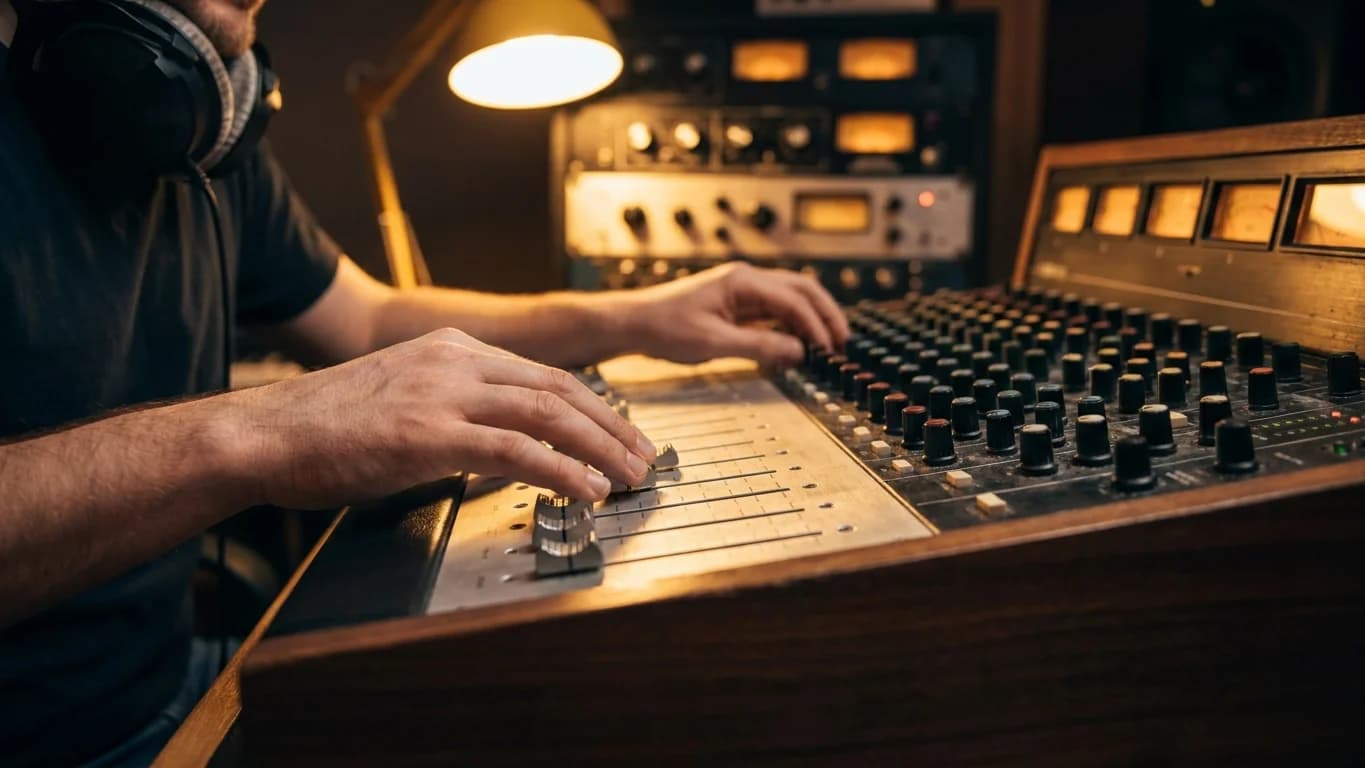
Scramble and Vocal Layering
Scramble controls how the changed lines are grouped into generations. None sends the full block in one pass. Alt sends every other changed line, producing two generations: one with odd lines changed, one with even lines. Single attempts every line separately: a five-line verse becomes five takes you comp through later. Usually that's not necessary.
Vocal layering is the feature I didn't know I needed until it existed. Most of the time you want "all vocal," but the backing option is huge when a backing vocal or counter melody needs to be soloed and changed independently of the lead.
Say the backing vocal sings a different line than the lead in the chorus. You change both, select the backing layer, and run your strategies. The engine then predicts just that backing part, not the full vocal stack. It works the same for stripping the backing to isolate a lead.
I used to do this manually: export layers from the DAW, process each one, import them back. Now it happens inside the tool, and once you know how to use it you can generally get it in one pass.
Comping Your Keepers
As takes come back, checkmark the ones that are okay. The tool builds a list of your keepers and automatically places the vocal isolations on a timeline, so editing them together later is dramatically less work.
Two troubleshooting buttons matter here. If a section seems messed up, redoing the tagging can help. And re-detect timing re-syncs the sections to the word-level transcript; it won't overwrite any section start you've manually assigned.
This is the same comping discipline I've written about in lessons from 600 lyric swaps: five okay takes blended together usually beat one "perfect" take. The difference is the takes now land on a timeline for you.
The Honest Numbers
In my current tests, the fail rate per pass is about 50%. We're going to work to improve that. I'm telling you up front because that's how I'd want to be sold to.
Here's why that's still better than before: when a pass failed in the old tools, it happened under the hood and you didn't know why half your lyrics were wrong. Now you see exactly which take ignored you, and you have a clear-cut way to experiment with a different strategy, scramble, or tag grouping until you get what you need. Visibility beats a slightly better black box.
If a take comes back and the engine flat-out ignored your change, that's a bad take. Mark it, move on, queue the next strategy. Sometimes a tag combination is the problem: keeping a longer chorus together instead of splitting it can flip a fail into a pass.
What It Can't Do
The big blind spots are opera and musicals. The way those songs are structured fights the engine, and no strategy choice fixes that. When we get opera or musical service orders, somebody sings a pilot vocal, and then we use voice training to change it.
That's where the dashboard's voice model training comes in. You can train a model on an isolated lead vocal (I trained one on a Beatles song in the video), then comp a new vocal in your DAW or sing a pilot yourself, upload the isolated vocal, and convert it. For distinctive singers, that training-plus-conversion pass is also how you fix the tonal mismatch problem on tricky outputs.
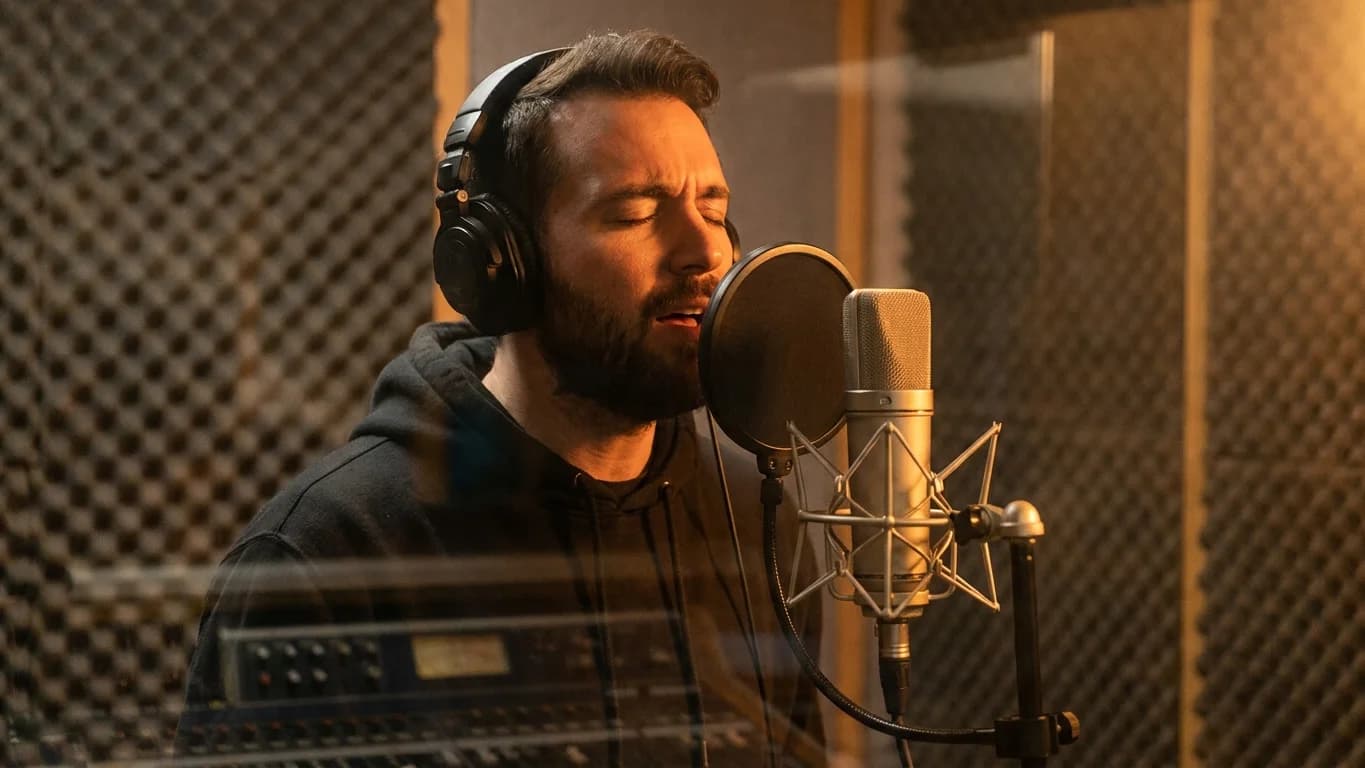
Downloads: Stems and the Comp Lane
Once you're happy with your keepers, you download two things. The original stem ZIP includes the master, the vocal bus, the lead bus, the backing bus, and the instrumental, so you can mix everything together properly in your DAW.
Build comp lane takes everything you checkmarked and lays it on a timeline, isolated to just the vocal, already cut close to what you need. From there it's a short DAW session to assemble the final vocal. That's the exact workflow I use on paid orders.
Ready to Transform Your First Song?
Join thousands of producers & clients who use ChangeLyric.
✓ Free trial available ✓ No content moderation ✓ Cancel anytime
Who This Is For
Overdub Studio is for producers who want my workflow as a webapp, minus the invoice for my time. It's more guided than anything we've shipped, but it still rewards skill: knowing which strategy to reach for, and when a take is a keeper.
It runs on the same ChangeLyric platform: $9/month for unmoderated access, no content filters blocking your work. If you've been put off by tools like Suno and Udio fingerprinting your uploads, this is the opposite of that.
Open Overdub Studio, drag a song in, and start with auto extension. That's the whole onboarding.
Copyright Reminder
Commercial rights from AI platforms only apply to ORIGINAL songs they generate. Modifying copyrighted songs gives you ZERO commercial rights to the result. The original copyright holder maintains all rights. Personal use exists in a legal gray area. Users are responsible for understanding applicable laws.
Frequently Asked Questions
It replaces both the old version of Overdub and the Horizon engine. Every step of the lyric swap workflow (upload, tagged lyrics, generation strategies, take review, comping, and stem downloads) now lives in one guided tool at changelyric.com/dashboard/overdub.
Auto extension. It's the tool's best guess at what will work and it's what Will uses most often. Experienced users can reach for same type twin, Baba twin, previous anchor (for end-of-song sections), ABA, inpaint (best in verses), or manual extension for full primer-window control.
Tags tell the engine which song sections share a melody, and the line counts between your original and new lyrics must match so the engine knows exactly which lines to change. Changing more lines at once also raises the fail rate. A general lyric swapping principle is to change less when you have the choice.
About 50% per pass in current testing. That sounds bad, but unlike the old tools, failures are visible and iterable: you see which take ignored your change, then re-run with a different strategy, scramble setting, or tag grouping until you get what you need.
Not well. The structure of opera and musical numbers fights the engine. The workaround is having someone sing a pilot vocal, then training a voice model on an isolated lead vocal in the dashboard and converting the pilot with the voice changer.
A stem ZIP with the master, vocal bus, lead bus, backing bus, and instrumental, plus a comp lane file that places all your checkmarked takes on a timeline, isolated to the vocal, ready to cut together in your DAW.
Ready to Try It?
Overdub Studio is live now for all ChangeLyric members. $9/month, unmoderated access, no content filters. Drag in a song, tag the lyrics, and start with auto extension.
Open Overdub Studio